Zones
Zone functionality allows to mix DMX channels from two different cuelist at once. Just imagine that it works in layer style. For example, cuelist is a layer with DMX channels and you can combine different layer one on top of another or both together with certain rules per DMX channel.
Zone can be assigned to any universe in different cuelists. Cuelist could play simultaneously in Multi mode.
Many benefits could be achieved with zones you can record PAR and Moving Heads light in independent cuelist and then play them together or inject one cuelist on top of another.
Overlap Strategy
For example, if you have a room with one large LED strip (512 DMX channels) and you want to control the whole LED strip at once by cuelist1, but for some reason you need to inject another cuelist2 inside 10 channels of the same LED strip.
Step 1: Create Zone 1
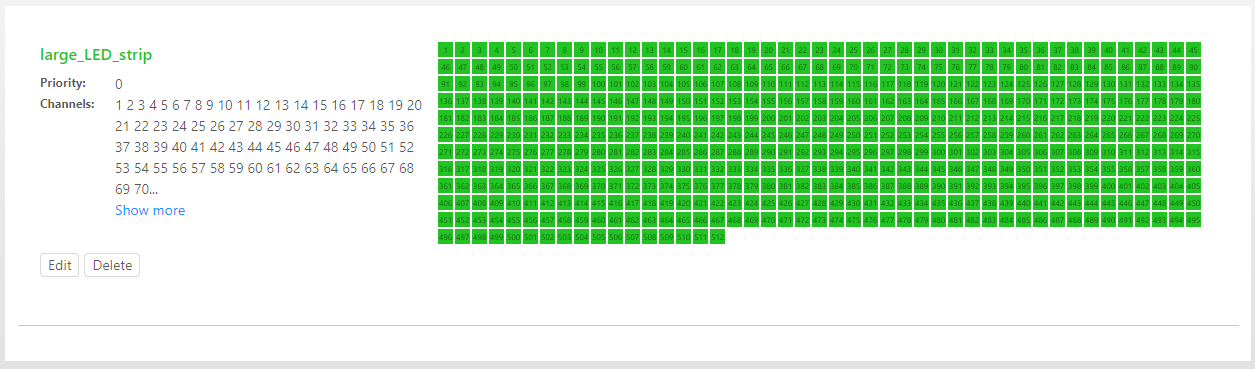
Create zone 1 with priority:0 and set channel range from 1 to 512 to use all channels for this zone.
Step 2: Create Zone 2
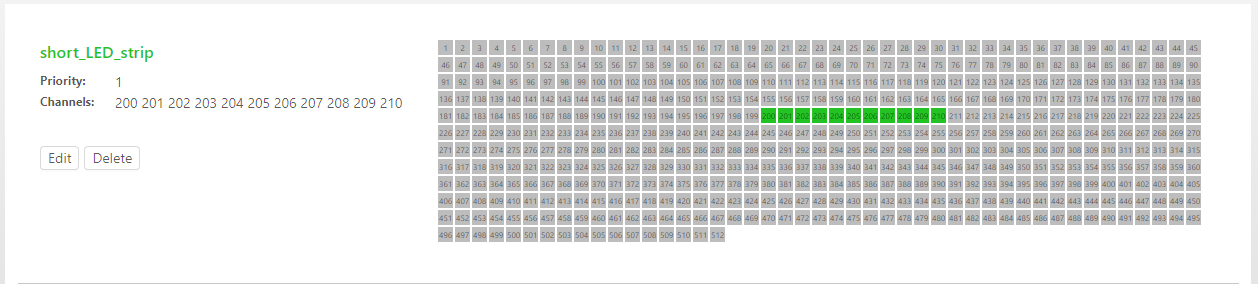
Create zone 2 with priority:1 and set channel range from 200-210 to use only some channels.
Step 3: Create Demo Cuelists
Create two cuelists DEMO_1 and DEMO_2 with solid white and black RGB data inside


Step 4: Assign Zones
Assign zone to universe1 in two different cuelists different zones large_LED_strip and short_LED_strip accordingly.
Now we need either of those cuelists or both of them simultaneously.
Results
DEMO-1 plays standalone:
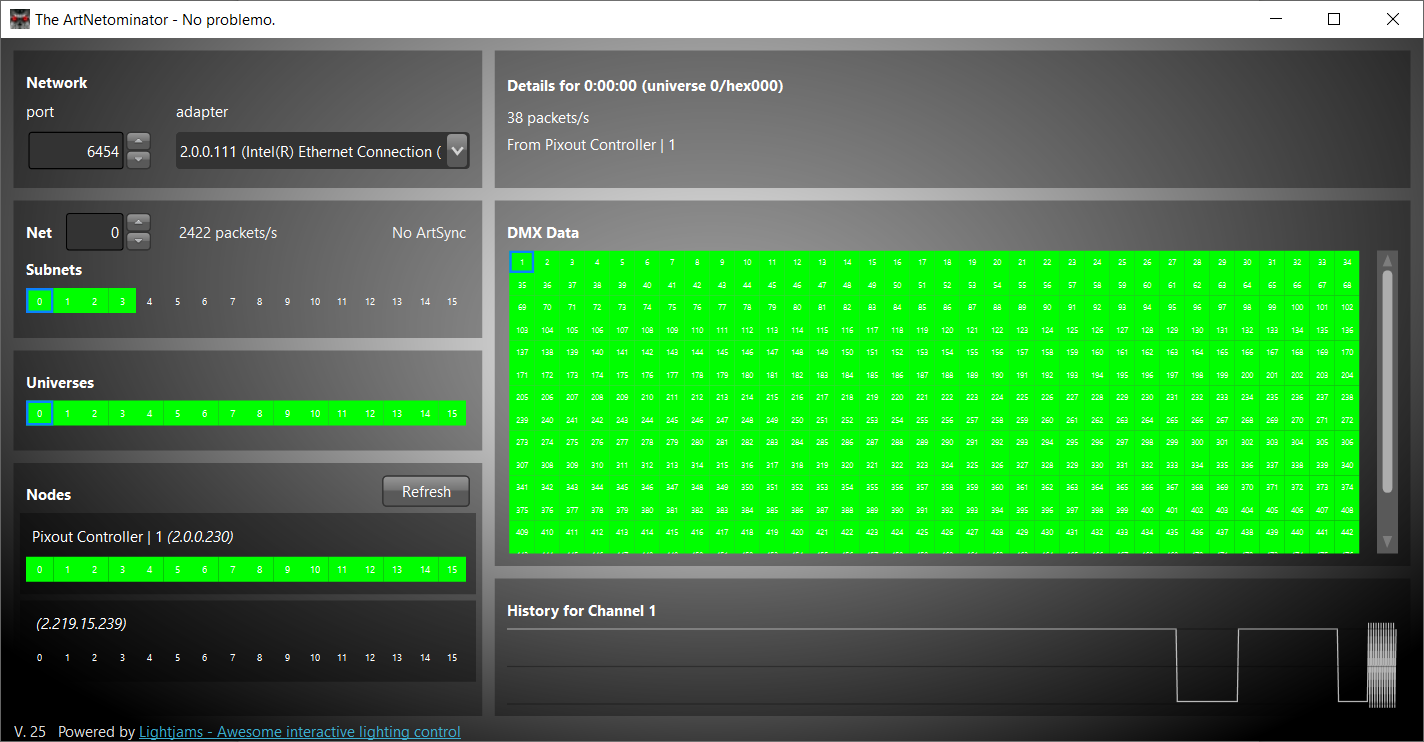
DEMO-2 plays standalone:
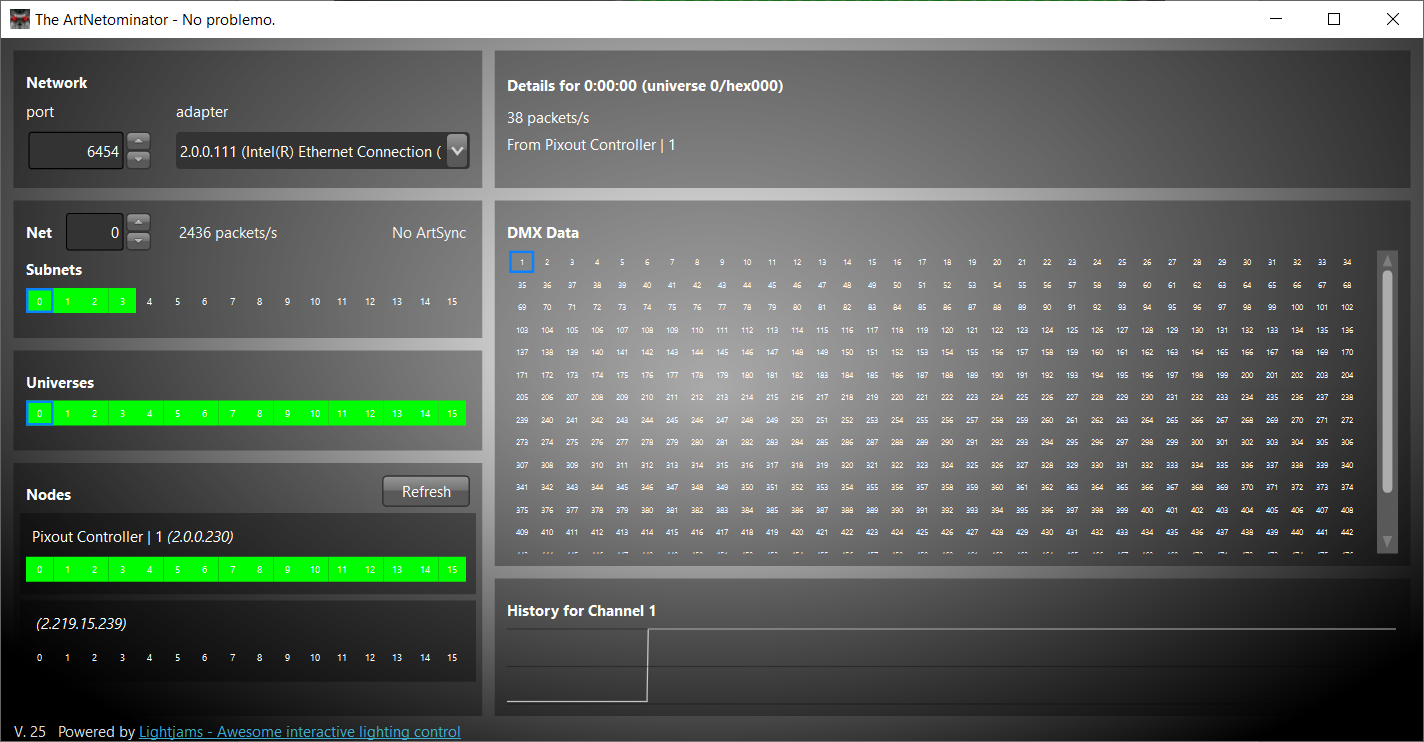
Both cuelists simultaneously:
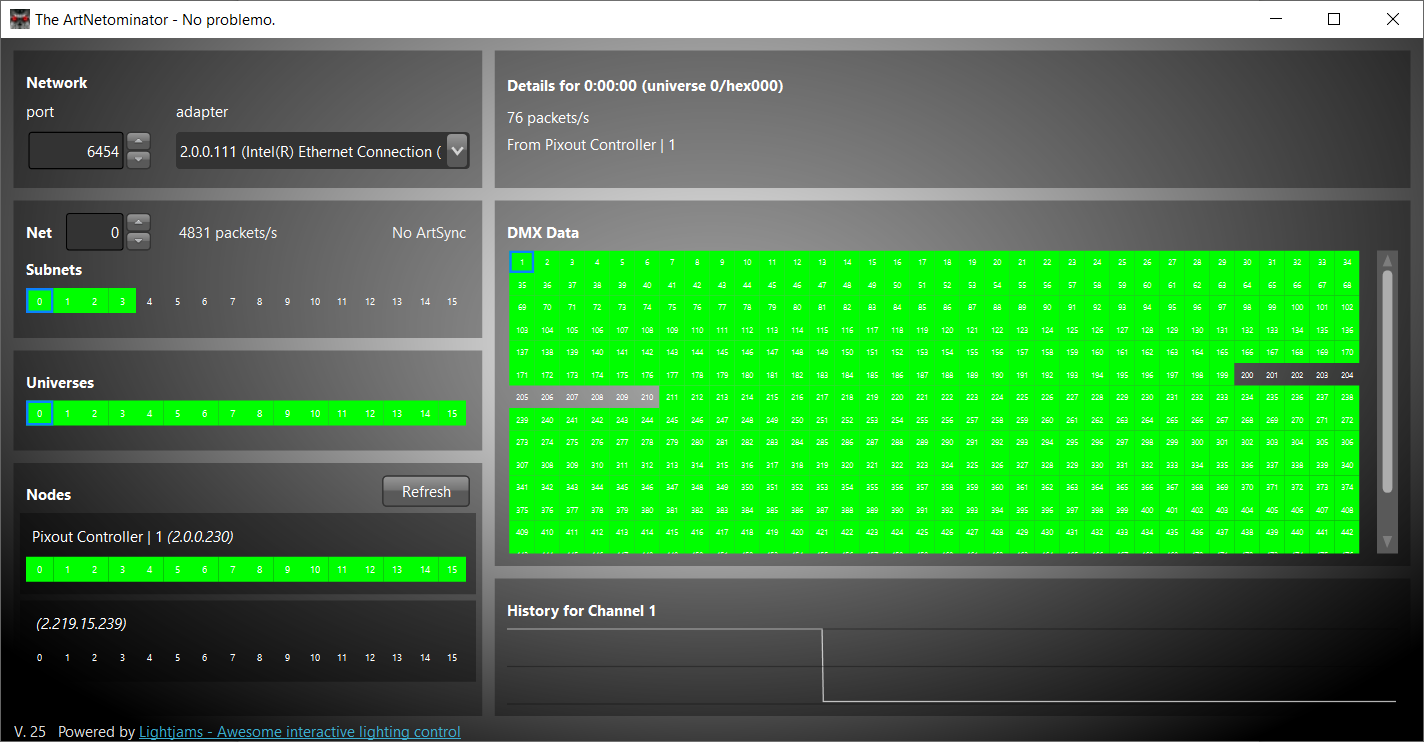
Split strategy
For example, you have a room with one single 512 DMX LED strip and want to share it between two different cuelists.
Create 2 zones: first_part, priority: 0, channels: 1-255 and second_part, priority: 0, channels: 256-512. We have the same priority because zones don't overlap.
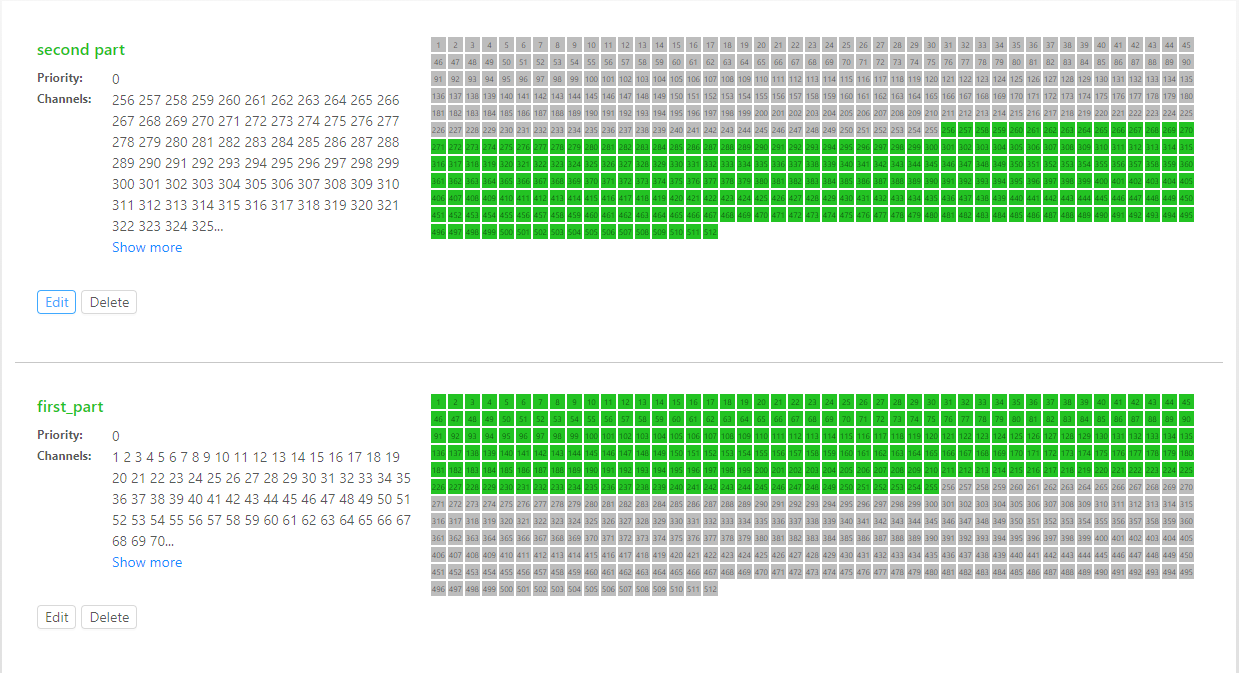
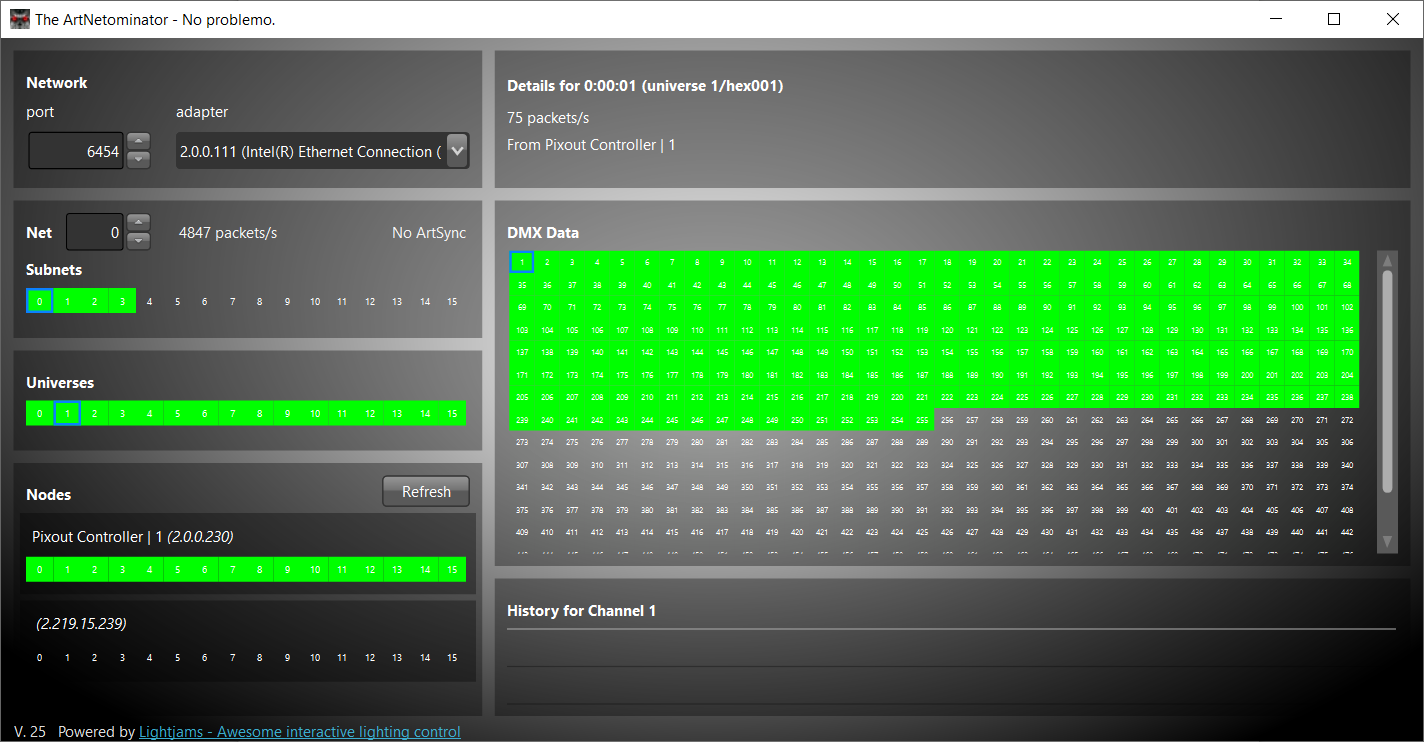
Assign to DEMO-1 and DEMO-2 zones in universe2 and start both cuelist. We'll can get following:
Universe to Zones assigning
While zone assigning you can 'Skip' any universe if you don't need it or mark to 'None'.
"None" option can be used as a baseline. Its data is written, but any overlapping channels in the simultaneously playing universe will be overridden, no matter what priority the other cuelist is using.