Control Panels
There are two types of access to your Pixout HDMI ArtNet Converter:
- User Control Panel - For viewing and selecting pixel mappings
- Admin Control Panel - For configuration and advanced settings
User Control Panel
Access the User Control Panel at: http://pixoutconverter.local/
The User Control Panel allows you to:
- View the list of available pixel mappings
- See which mapping is currently active
- Select and activate a different mapping

Admin Control Panel
warning
The Admin Control Panel is for experienced users only. It contains features that can affect performance and productivity of the Converter. Ensure you understand the working processes before making changes.
Access the Admin Control Panel at: http://pixoutconverter.local/px-admin
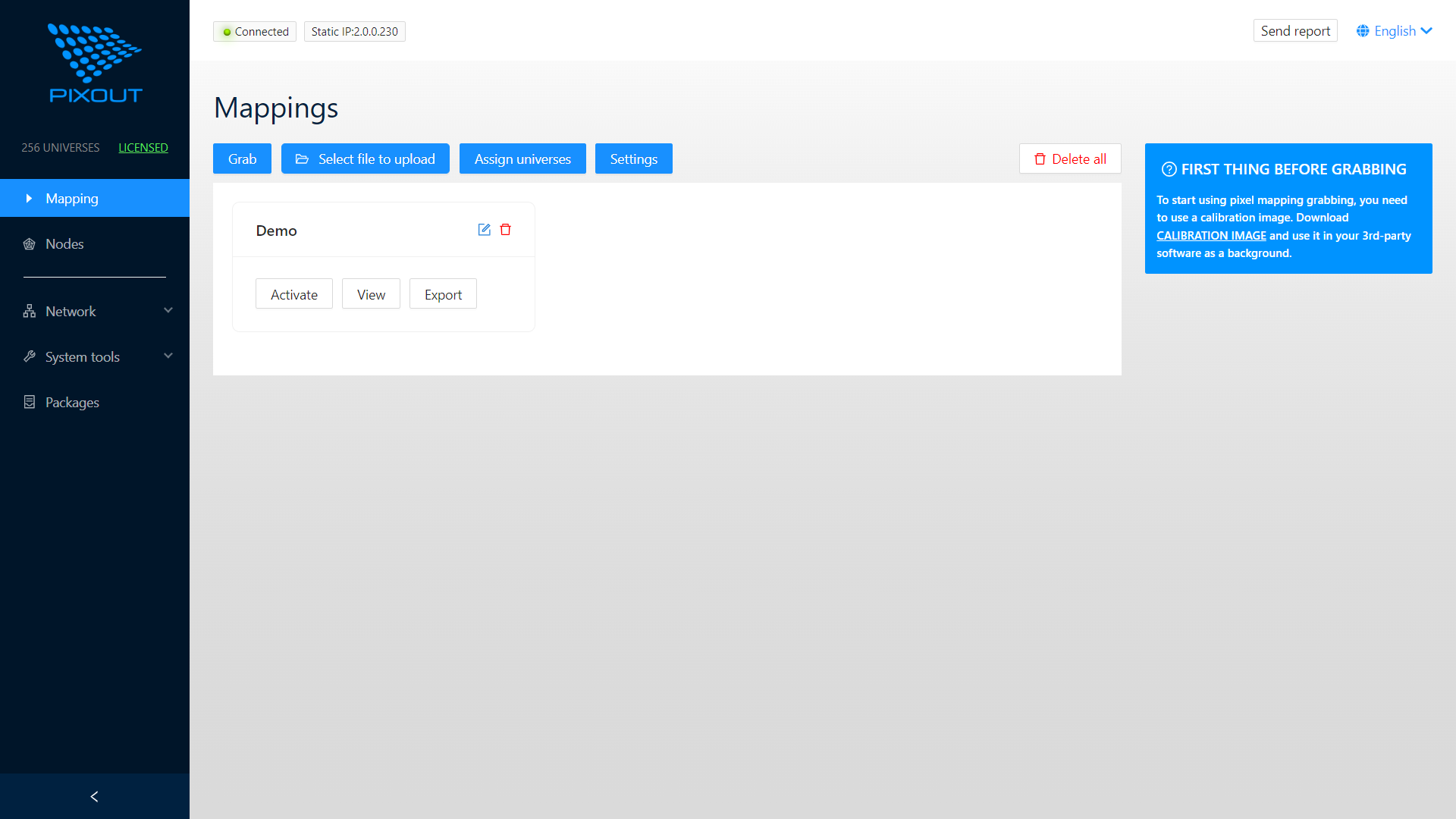
Available Pages
| Page | Description |
|---|---|
/Mapping | Pixel mapping grabbing, import/export, and activation |
/Nodes | Manual/Automatic detection of Art-Net nodes |
/Network | Network configuration for device access |
/System Tools | System utilities: time sync, restore, logging |
/Packages | List of installed software packages |
Status Bar
The main screen displays a status bar at the top:

- Green icon - No errors, web browser connected to Converter
- IP address - Current Ethernet IP address