Connection
Connect your Pixout HDMI ArtNet Converter to power and peripherals.
Connections Overview
| Number | Connection | Description |
|---|---|---|
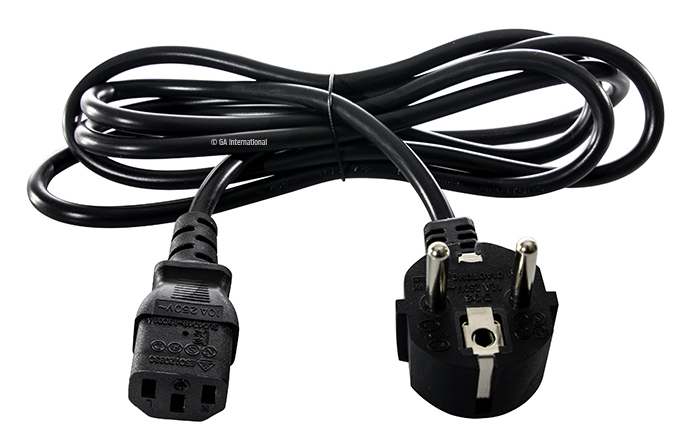
| 1 | Power Cable | EU power plug for power connection |
| 2 | HDMI Cable | Video input (not included) |
| 3 | Ethernet Cable | Network connection (not included) |
Power Requirements
The Converter supports voltage from 110-240V AC 50Hz/60Hz.
Connection Steps
- Connect the power cable to the Converter
- Connect your HDMI source (computer, media server, etc.)
- Connect Ethernet cable to your network
- Press the power button on the back of the Converter to ON
tip
Power ON! Let's go!
Network Topology
For optimal performance, ensure the Converter and your ArtNet nodes are on the same network segment.
┌─────────────────────┐
│   Video Source      │
│  (PC/Media Server)  │
└─────────┬───────────┘
          │ HDMI
          ▼
┌─────────────────────┐
│   HDMI ArtNet       │
│   Converter         │
└─────────┬───────────┘
          │ Ethernet (ArtNet)
          ▼
┌─────────────────────┐
│   Network Switch    │
└─────────┬───────────┘
          │
    ┌─────┴─────┐
    ▼           ▼
┌───────┐   ┌───────┐
│ Node 1│   │ Node 2│
└───────┘   └───────┘
Next Steps
- Getting Started - Initial setup and configuration
- Network Settings - Configure IP addresses and wireless